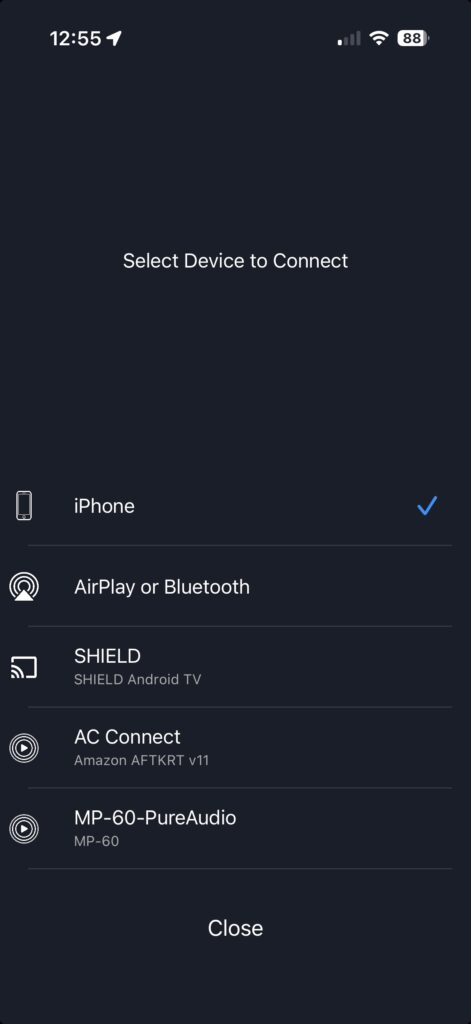
Pure Audio Streaming supports PCM 5.1, PCM 7.1, and AURO-3D playback through the Pure Audio Streaming app on the Amazon Fire TV Stick 4K. For multichannel playback, connect your 2023 or later Fire TV Stick 4K directly to a compatible AV receiver (AVR) via HDMI. With a 7.1 speaker system, you can enjoy PCM 5.1 or 7.1 playback, as well as AURO-3D when using an AURO-3D-compatible AVR.
Setting Up Your Amazon Fire TV Stick 4K #
Connecting Your Device #
Follow the steps below to connect your Fire TV Stick for use with Pure Audio Streaming. For additional help with your Fire TV device, visit Amazon’s Fire TV Support page.
- Connect your Fire TV Stick 4K directly to an available HDMI input on your AV receiver (AVR), then connect your AVR to your TV or display via HDMI.
- Connect the AV receiver’s HDMI output to the TV.
- Turn on the TV and AV receiver, then select the HDMI input used for the Fire TV Stick.
Set Up the Amazon Fire TV Stick 4K #
- Connect your Fire TV to the internet. For the most reliable high-resolution and immersive audio playback, we recommend using a strong, stable network connection.
- Install all available Fire TV software updates.
- Follow the on-screen instructions to sign in to your Amazon account and complete the initial setup.
- From the Fire TV home screen, select Find or use the search function and search for Pure Audio Streaming.
- Select the Pure Audio Streaming app, then select Get to download it.
- Once Pure Audio Streaming is done downloading, select Open App.
- Select Get Started on Pure Audio Streaming.
- Follow the on-screen instructions to sign in to your Pure Audio Streaming account.
Sound Settings #
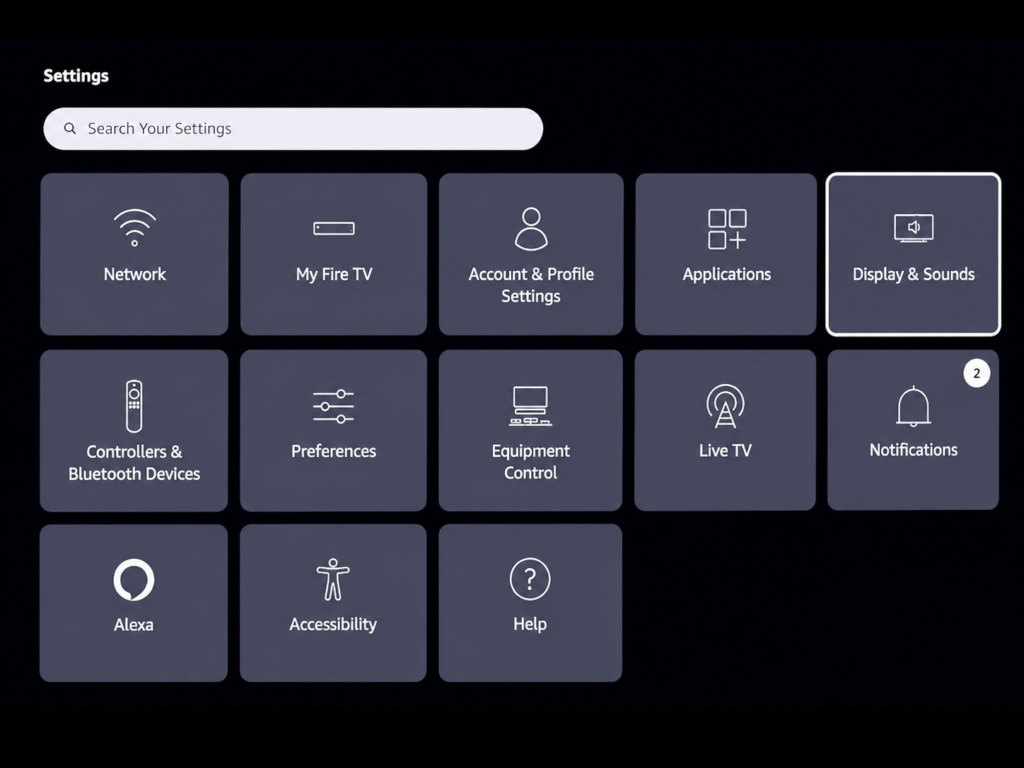
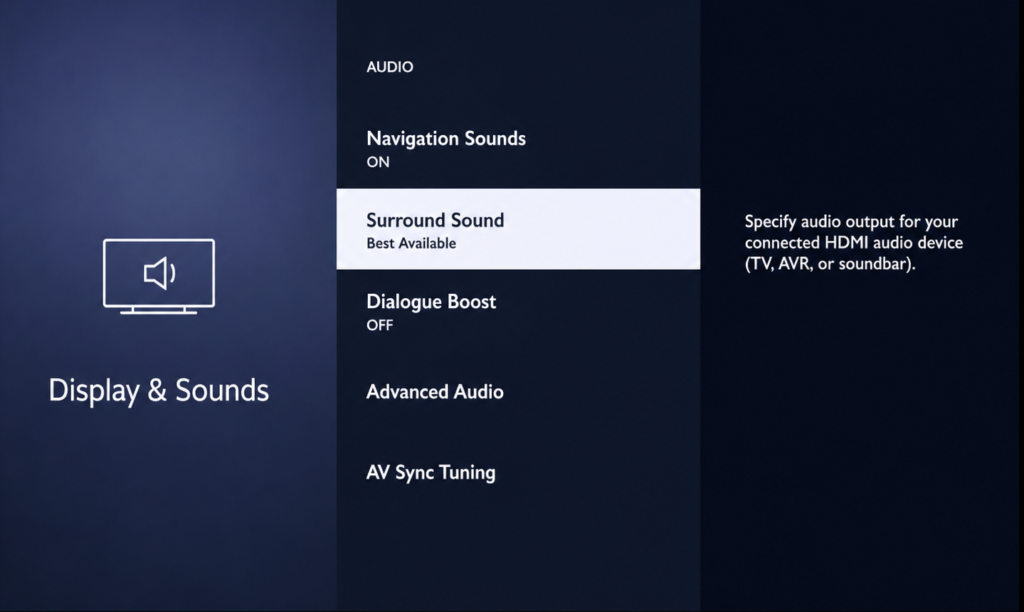
- In Fire TV Settings, open Display & Sounds and then Audio.
- Leave surround sound set to the option that allows the receiver to detect the best available multichannel format.
Using AC Connect With Amazon Fire Stick TV 4K #
AC Connect lets you stream Pure Audio Streaming directly to compatible equipment over your local Wi-Fi network, eliminating the need for additional playback hardware. Find out more about supported devices and how AC Connect works here.
- Launch the Pure Audio Streaming App.
- Select the content you’d like to listen to:
- In the upper-right corner, select the Cast icon
- Select “Artist_Connection”